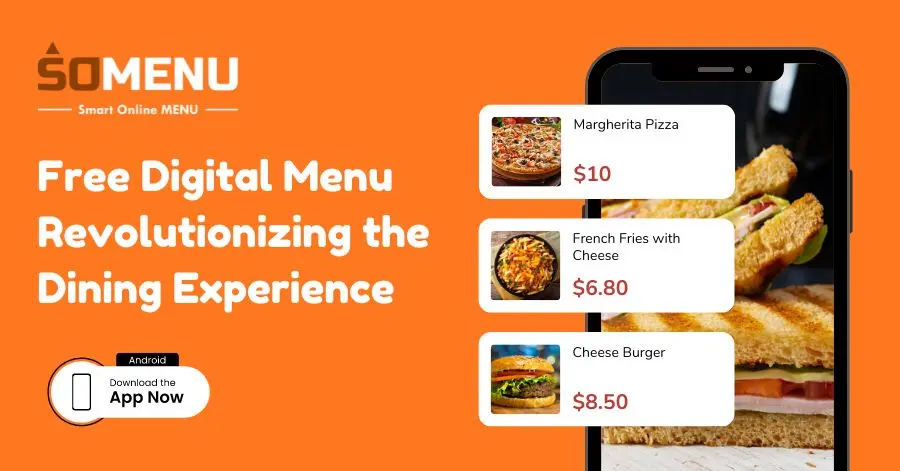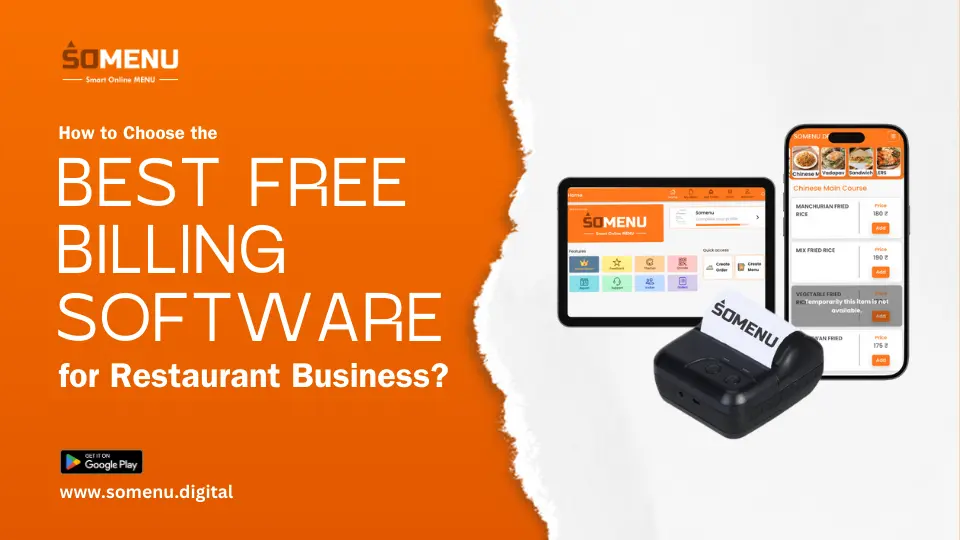
Managing a successful restaurant, café, food court, or cloud kitchen today requires far more than culinary expertise. Modern food service operations demand rapid counter billing, real-time Kitchen Order Ticket (KOT) routing across multiple preparation stations, precise recipe-level inventory control, and seamless digital payment processing powered by reliable gateways like Razorpay. As customer expectations shift toward contactless QR code menus and paperless WhatsApp receipts, selecting the right restaurant technology has become a cornerstone of long-term profitability.
Whether you operate a single-outlet dhaba, a fast-casual dining spot, or a growing multi-branch franchise network, navigating the world of Point of Sale (POS) technology can feel overwhelming. Restaurant owners frequently face complex questions regarding hardware compatibility, multi-station kitchen KOT routing, cloud data security, software subscription pricing, Razorpay payment automation, and aggregator commission control.
In this definitive guide, we answer the top most frequently asked questions about restaurant billing software, cloud POS systems, Razorpay payment integrations, multi-station KOT printing, digital QR menus, and operational analytics—explaining how SOMENU helps Indian food businesses operate faster, cut food wastage, and maximize profit margins.
Key Takeaway: Modern cloud-based POS platforms like SOMENU combine native Razorpay payment gateway integration, automated multi-station KOT printer routing, recipe-level stock control, and paperless WhatsApp receipts. By eliminating billing bottlenecks and hardware lock-ins, SOMENU helps food businesses increase checkout speed and boost profit margins within their first month of deployment.
1. General Restaurant POS & Billing Fundamentals
Understanding the core capabilities of a modern restaurant Point of Sale (POS) system is the first step toward digitizing your food business. A restaurant POS is not simply a digital cash register—it serves as the central command hub for your entire front-of-house and back-of-house operations.
By unifying table management, course-by-course kitchen ticket routing, cashier settlement, and daily sales reporting onto one screen, a specialized POS like SOMENU eliminates paper slips, prevents billing miscalculations, and ensures your staff spends less time handling administrative tasks and more time delivering attentive guest hospitality.
2. Pricing, Costs & Hardware Compatibility
A major misconception among small restaurant owners, dhabas, and newly launched cloud kitchens is that adopting a restaurant POS requires tens of thousands of rupees in proprietary hardware and upfront server installations.
Cloud-native POS software like SOMENU eliminates hardware barriers by running smoothly on any standard Android tablet, iPad, smartphone, or Windows desktop PC. Paired with affordable Bluetooth, Wi-Fi, or USB thermal printers, food business owners can deploy a full-featured billing setup for a fraction of traditional enterprise costs with transparent monthly or annual plans.
3. Inventory Control, Mobile POS & Offline Billing
Uncontrolled kitchen food wastage, ingredient stockouts during peak weekend dining hours, and internet connectivity outages can severely impact your restaurant's cash flow.
Offline Reliability: SOMENU incorporates an offline-first hybrid architecture. If your local internet service drops mid-shift, billing terminals continue processing orders, managing table seating, and printing KOT tickets locally without interruption. Once connectivity returns, all offline sales automatically sync to the cloud.
Simultaneously, recipe-level inventory tracking automatically deducts raw ingredient stock as items are billed, issuing low-stock alerts before key ingredients run out and preventing stock leakage.
4. Multi-Station Kitchen KOT Routing & Printer Control
In complex restaurant kitchens, food courts, and multi-cuisine dining spaces, sending every ordered item to a single thermal printer creates massive kitchen bottlenecks and prep delays.
Smart KOT Routing: SOMENU supports multi-station KOT routing. When a waiter places a table order containing cocktails, tandoori starters, and main curry dishes, the POS automatically splits and routes individual items to their respective station printers simultaneously—sending beverages to the Bar printer, appetizers to the Tandoor printer, and main courses to the Main Kitchen printer.
Category-wise KOT routing eliminates verbal shouting across prep areas, reduces order fulfillment time, and ensures each station chef receives clear, itemized preparation notes with precise order timestamps.
5. Razorpay Payment Integration & Dynamic UPI QR Codes
Processing payments quickly and securely is vital for maintaining high table turnover and positive guest reviews. SOMENU features native integration with Razorpay, India's leading payment gateway platform.
With integrated Razorpay processing, cashiers can generate dynamic bill-specific UPI QR codes directly on guest receipts or customer-facing screens. Customers simply scan the QR code using Google Pay, PhonePe, Paytm, or BHIM to pay instantly. Once payment completes, Razorpay sends real-time settlement confirmation straight to the POS screen, automatically closing the table check without manual cashier entry.
7. Security, ROI & Reducing Aggregator Commissions
Relying exclusively on third-party food delivery aggregators like Swiggy and Zomato subjects restaurant profits to heavy commission cuts ranging from 20% to 30% per order.
By enabling direct QR code table ordering, WhatsApp paperless bill delivery, and brand-owned online ordering links through SOMENU, food business owners build a direct relationship with their customer base. Accepting direct online and takeaway orders allows you to capture higher profit margins, collect customer feedback, and drive repeat visits through targeted guest loyalty campaigns.
8. Complete Frequently Asked Questions Knowledge Base
1. What is POS software in a restaurant?
Restaurant POS (Point of Sale) software is a specialized billing, ordering, and management platform designed for cafés, dhabas, QSRs, and full-service restaurants. It unifies customer table ordering, kitchen ticket (KOT) printing, GST invoice generation, payment processing, and daily sales analytics onto a single screen.
2. How does Razorpay payment integration work with SOMENU POS?
SOMENU natively integrates with Razorpay, allowing cashiers and guests to process digital payments via credit cards, debit cards, net banking, and dynamic UPI QR codes. When a payment is completed through Razorpay, transaction status updates automatically in the POS, eliminating manual entry and accelerating bill settlement.
3. Can SOMENU print KOT tickets to multiple kitchen stations simultaneously?
Yes. SOMENU supports multi-station KOT routing. When a single table order includes beverages, appetizers, and main courses, the software automatically splits and routes respective items to separate thermal printers located at the Bar, Tandoor, and Main Kitchen stations simultaneously.
4. Does Razorpay integration support dynamic UPI QR code payments at tables?
Yes. SOMENU generates bill-specific dynamic UPI QR codes powered by Razorpay directly on customer receipts or mobile screens. Guests can scan the code with any UPI app (GPay, PhonePe, Paytm) to pay exact bill totals without cash drawer miscalculations.
5. Do I really need POS software for my restaurant?
Yes. If your food establishment handles more than 20 to 30 orders daily, a POS system like SOMENU is essential. It eliminates manual billing miscalculations, accelerates kitchen order preparation, tracks ingredient consumption, and generates daily financial reports automatically.
6. Can I run my restaurant without POS software?
While manual paper billing is possible, it creates long customer checkout queues, unrecorded cash drawer openings, food wastage, and order errors. Most successful Indian food businesses rely on cloud POS software to maintain operational efficiency and protect cash flow.
7. What is a cloud POS for restaurants?
A cloud POS stores your billing records, menu items, inventory levels, and customer analytics securely on remote cloud servers rather than a local desktop computer. This allows restaurant owners to view real-time sales reports and manage operations from any mobile phone or laptop, anywhere.
8. How much does restaurant POS software cost in India?
Restaurant POS software subscription plans in India typically start from as low as ₹999 per month. Costs vary based on advanced modules like multi-station KOT routing, recipe inventory tracking, Razorpay payment integrations, and multi-branch management.
9. Is there any free POS software for restaurants in India?
Many POS providers offer free trial periods or free basic demo plans. However, complete features including GST tax invoicing, recipe inventory tracking, multi-station KOT printing, and sales reports are provided in transparent subscription plans. SOMENU offers a risk-free demo to evaluate all features.
10. Do I need to buy expensive hardware for a restaurant POS system?
No. SOMENU's cloud-native architecture operates smoothly on your existing Android smartphones, tablets, iPads, laptops, or Windows desktops. You only need standard thermal receipt printers to start taking and routing orders.
11. Are there hidden charges in restaurant POS software?
Not with SOMENU. SOMENU provides clear, transparent subscription plans with no surprise annual maintenance charges (AMC), setup fees, or hidden per-transaction billing penalties.
12. Can restaurant POS software handle billing and inventory together?
Yes. When integrated with recipe-level mapping, SOMENU automatically deducts raw ingredient stock every time a dish is billed. This maintains live stock visibility, prevents mid-shift ingredient shortages, and reduces kitchen wastage.
13. Can I use restaurant POS software on my mobile phone?
Yes. SOMENU is a mobile-responsive cloud POS that runs on Android and iOS smartphones. Cashiers and servers can take table orders, print receipts, process Razorpay digital payments, and view real-time sales reports directly on their phones.
14. Does restaurant POS software work without internet?
Yes. SOMENU features an offline-first architecture that allows your registers to continue processing bills, table seating, and local kitchen printer tickets (KOT) during internet downtime. Offline transactions automatically sync to the cloud once connectivity is restored.
15. Can I manage multiple restaurant branches with one POS system?
Yes. SOMENU's multi-outlet portal enables franchise owners to monitor sales revenue, stock levels, staff attendance, and category performance across 2 or 20 branches from a single master dashboard.
16. How can multi-station KOT routing reduce order mistakes in my kitchen?
Multi-station KOT routing eliminates verbal shouting and paper slip confusion. SOMENU routes items automatically based on menu categories—ensuring the beverage station receives drink orders, the grill receives appetizers, and the main kitchen receives entrees instantly.
17. How to manage kitchen orders faster in a restaurant?
With SOMENU's digital KOT system, table orders print at their designated kitchen station thermal printers the exact instant they are placed. This eliminates paper slips, prevents chefs from waiting for waiters to deliver orders manually, and speeds up food preparation time.
18. How to track daily sales easily in a restaurant?
SOMENU automatically generates real-time daily sales reports covering gross revenue, net collection, order counts, top-selling dishes, discount totals, and Razorpay payment mode breakdowns (cash, card, UPI) accessible directly on your smartphone.
19. How to increase sales in a restaurant?
Faster table turnover, digital QR code menus with automated visual combo upsells, Razorpay contactless payment processing, and paperless WhatsApp loyalty receipts directly drive higher daily customer check totals.
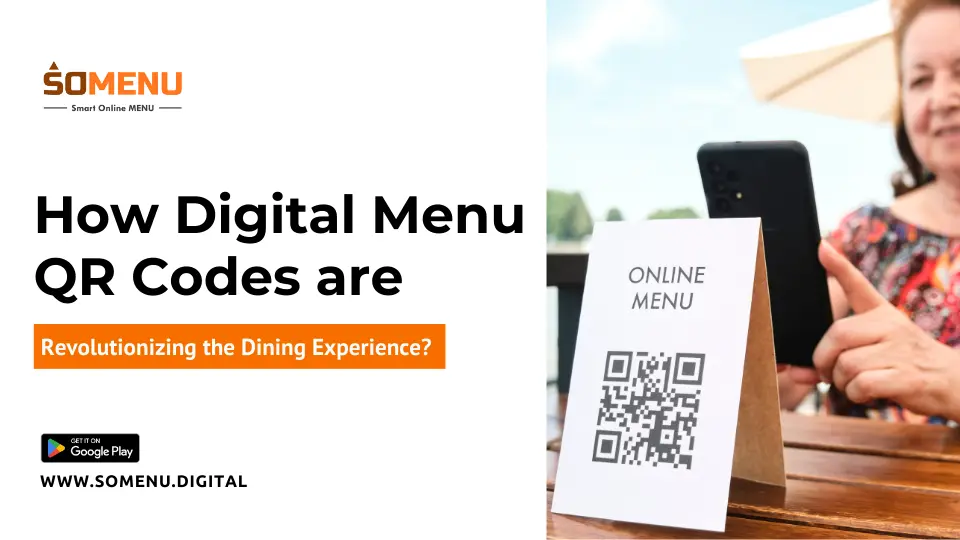
20. What is QR code ordering in a restaurant?
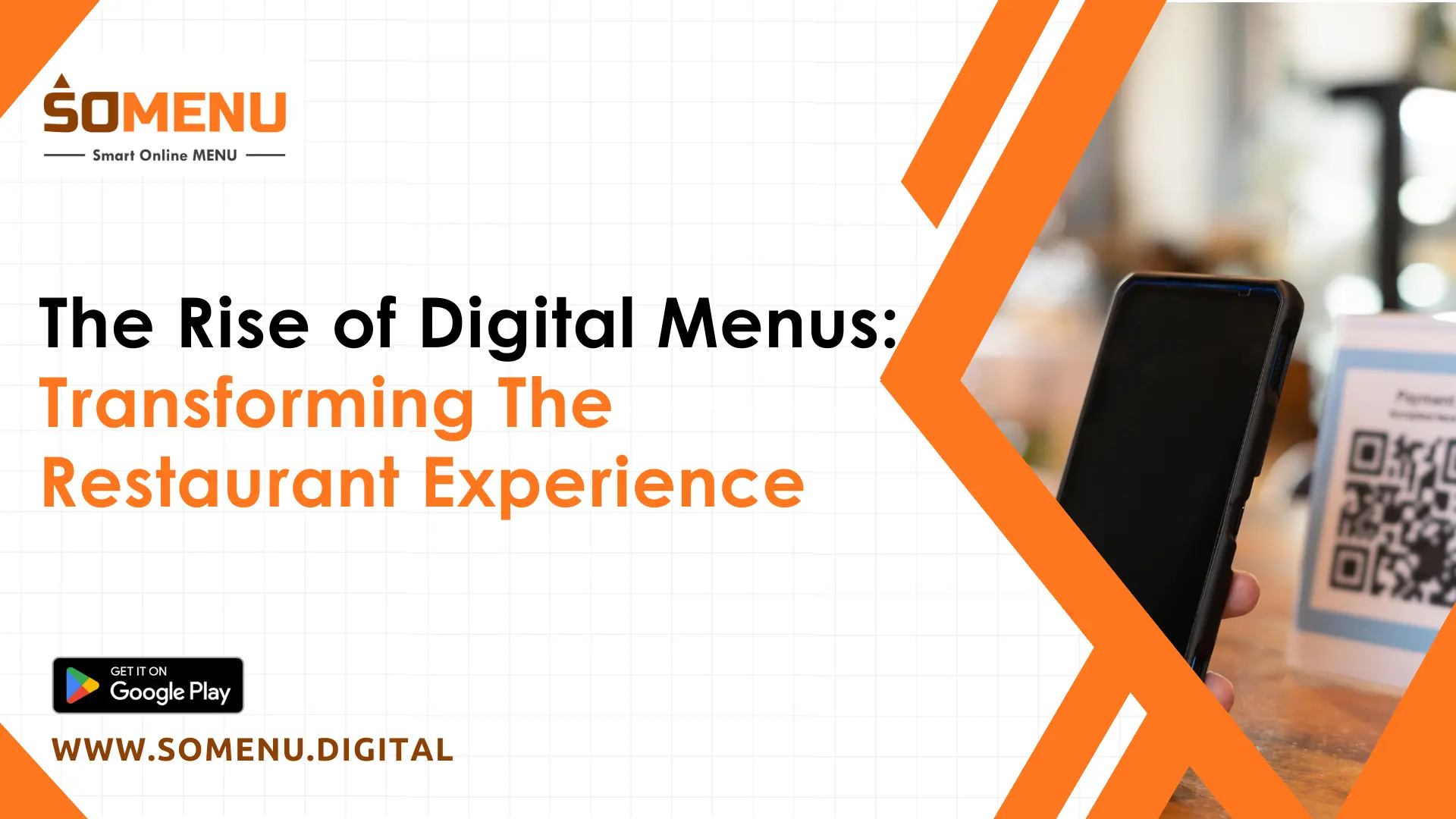
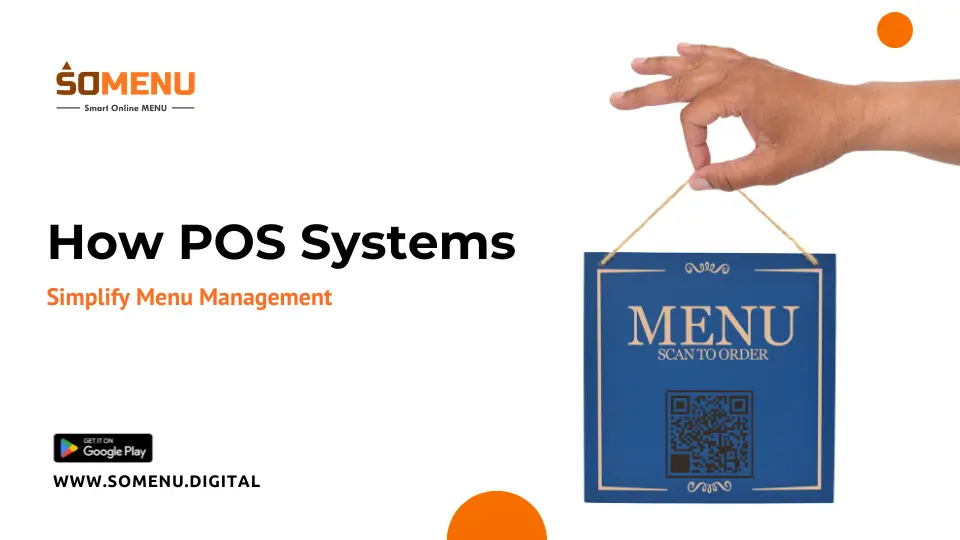
QR code ordering is a contactless dining feature where guests scan a tabletop QR code with their mobile phone to view an interactive digital menu, customize items, and place orders directly without waiting for floor staff.
21. Can customers place food orders without a waiter?
Yes. SOMENU's self-ordering QR menu system allows guests to browse rich dish photography, select item modifiers, and submit orders directly to the multi-station kitchen KOT system, reducing waitstaff workload during peak shift hours.
22. What is a digital menu for restaurants?
A digital menu is an online, mobile-optimized menu accessible via QR code scans. Unlike printed paper menus, digital menus can be updated instantly in real time to launch seasonal specials, adjust prices, or mark sold-out items as unavailable with zero reprinting costs.
23. Is cloud POS better than traditional POS for restaurants?
Yes. Cloud POS systems are far more affordable, require no expensive local servers, receive automatic software updates, and allow owners to monitor restaurant operations remotely from any mobile device.
24. Which POS software is best for small restaurants in India?
The ideal POS software for small Indian restaurants, dhabas, and cafés should be easy to use, budget-friendly, and cover billing, multi-station KOT printing, Razorpay payments, ingredient inventory, and GST invoicing. SOMENU is built specifically for Indian food businesses with fast 10-minute onboarding.
25. Is restaurant POS software safe and secure?
Yes. SOMENU uses enterprise-grade SSL encryption and automated cloud backups to protect your sales history, customer database, and Razorpay transaction records. Even if a local tablet is damaged, your business data remains completely safe in the cloud.
26. How to choose the right POS software for your restaurant?
Evaluate key factors: intuitive ease of use, transparent subscription pricing, essential features (multi-station KOT, inventory, Razorpay payments, QR menus, GST reports), hardware compatibility, offline reliability, and responsive customer support. SOMENU offers a free live demo to evaluate all features.
27. Is investing in restaurant POS software worth it?
Yes. POS software pays for itself rapidly by preventing billing errors, eliminating cash register discrepancies, cutting ingredient wastage, and increasing table turnover speed. Most SOMENU users report higher profitability within 30 days of deployment.
28. How to reduce dependency on Swiggy and Zomato for restaurant orders?
By implementing QR code self-ordering and direct online ordering links through SOMENU, you can take direct customer orders without paying 20% to 30% aggregator commissions, building a loyal direct customer base.
29. Can restaurant POS software help increase profit margins?
Yes. SOMENU tracks itemized food costs, monitors raw material consumption, highlights high-margin menu items, and identifies kitchen wastage—giving owners clear visibility to optimize pricing and protect gross profit margins.
30. How to track best-selling and slow-moving items in a restaurant?
SOMENU automatically generates category-wise sales analytics showing your highest revenue-generating dishes, top-ordered items, and slow-moving products, helping you optimize menu engineering and purchasing decisions.
31. Can POS software help reduce food wastage in a restaurant?
Yes. With real-time ingredient tracking and automated low-stock reorder alerts, SOMENU prevents over-purchasing of perishable raw materials, directly reducing kitchen food waste and improving operating margins.