

Smart KOT & Receipt Printing for Modern Restaurants
From order to kitchen, printed exactly where it belongs.
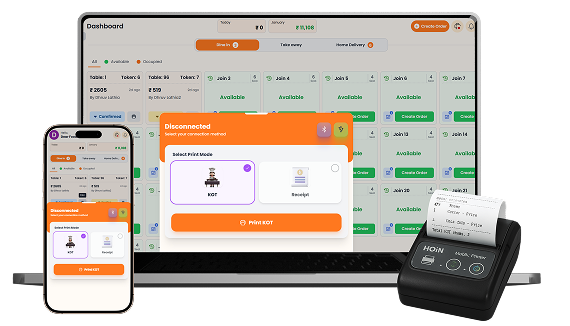
Connect and manage your restaurant printers from one centralized system. Configure KOT and receipt printing, choose between standard text-based or stylish image-based prints, enable automatic printing for staff and customer orders, and route different menu categories to dedicated printer stations for smoother kitchen operations.

What You’ll Get From Printing Management
Flexible Printer
Connections
Smart KOT &
Receipt Printing

Station-Based
Print Routing
How Printing Management
Speeds Up Your Workflow
Step-by-step visual walkthrough showing how Printing Management operates in your restaurant.
Connect Printers & Configure Print Formats
Connect your restaurant printers using USB, Bluetooth, or LAN network connections and manage their active status from one place. Choose between Standard Print for fast text-based thermal printing or Stylish Print for image-based output, then configure paper width, feed lines, and other printer options according to your setup.
Customize KOT & Receipt Printing
Control exactly what information appears on your Kitchen Order Tickets and printed receipts. Configure customer details, order information, business details, tax information, payment QR codes, and other print fields for each format, giving your kitchen and customers clear, consistent, and useful printed information with every order.
Automatically Print Orders from Staff & Customers
Reduce manual printing with automatic KOT generation for orders placed by staff or customers. Enable auto printing separately for Dine In, Take Away, and Home Delivery orders, allowing the appropriate tickets to print as soon as orders are received. With a connected printer, your kitchen can receive orders faster without requiring staff to print every ticket manually.
Route Menu Categories to Dedicated Printer Stations
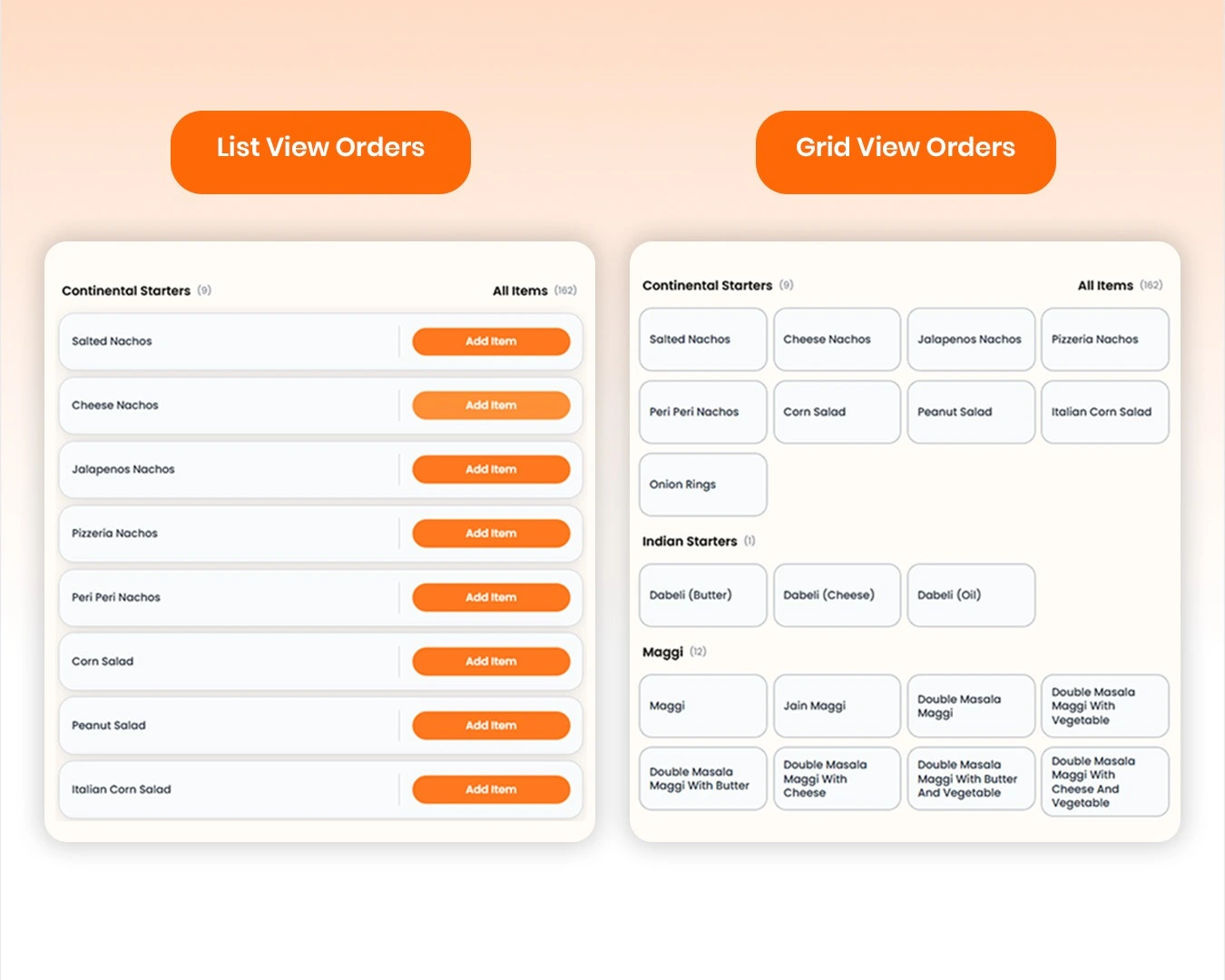
Organize kitchen printing by creating dedicated printer stations such as Kitchen, Chinese, Bar, or other preparation areas. Assign printers to each station and link menu categories to the appropriate printer station from menu settings. When an order is placed, items can be routed to their assigned kitchen printer, helping different teams receive only the orders they need to prepare.
Manage your Printing Management operations easily and digitally
Delayed or missing Kitchen Order Tickets (KOT) can disrupt kitchen workflows and frustrate guests. SOMENU connects seamlessly to your thermal receipt printers via USB, Bluetooth, LAN, or Wi-Fi. The system automatically routes KOT slips straight to the kitchen while printing receipts at the cash counter.
Using the SOMENU Printer Bridge utility, you can easily customize receipt templates to print your restaurant logo, custom greetings, GST details, and a dynamic UPI QR code for fast payment collection.
SOMENU Advantage
Specifically designed to tackle common food business hurdles in India-like internet disconnections, waiter training, and peak hour order rush.
- ✓ No expensive hardware needed
- ✓ Easy for staff to learn (10 mins)
- ✓ 15-day risk-free free trial
Why Choose SOMENU for
Printing Management
Powering your restaurant business with features that eliminate manual hassle and boost kitchen speed.
Universal Printer Support
Works with Bluetooth, Wi-Fi, LAN, and USB thermal printers.
Station-wise Printing
Send specific menu categories to different printers automatically.
Multi-Printer Routing
Send KOT to the kitchen and invoice receipts to the counter.
Custom Bill Templates
Add your logo, custom greetings, GST numbers, and UPI codes.
Duplicate KOTs
Print separate copies for the chef, waiter, and cashier.
Auto-Print Triggers
Trigger ticket prints automatically when order status changes.
All Included Features
Everything you need in one powerful POS system. No separate purchases required.


Customer Experience



Analytics & Global




Customer Experience
Analytics & Global
Customer Experience
Analytics & Global
Customer Experience
Analytics & Global
Customer Experience
Analytics & Global
Customer Experience
Analytics & Global
FAQs
Everything you need to know about the Printing Management.
SOMENU supports restaurant printers connected through USB, Bluetooth, or LAN network connections, allowing you to use the printer setup that fits your restaurant.
Yes. You can configure connected printers for KOT and receipt printing and control which printing functions are enabled for each printer.
Yes. You can choose which customer, order, restaurant, tax, payment, and other details appear on KOTs and receipts according to your printing requirements.
Yes. Enable automatic printing for orders placed by staff or customers and configure it separately for Dine In, Takeaway, and Home Delivery orders.
Yes. Create printer stations and connect menu categories to the appropriate station so items can be routed to dedicated kitchen printers.
Yes. SOMENU supports Standard Print for text-based thermal output and Stylish Print for image-based printing, giving you flexibility in how your restaurant prints orders and receipts.
Book Your Free SOMENU POS Demo
Get a personalized demo of the leading restaurant billing software. We will contact you as soon as possible to help configure your menu.
Call or WhatsApp
+91 80 9393 5050Email Support
contact@somenu.digitalCorporate Office
401, Alpha One Complex, Zanzerda Cross Road,
Junagadh - 362001, Gujarat, Bharat
Contact Us
Request a Callback
Still Thinking?
Try Our 15 Days Free Trial.
