
Learn how to create a free digital menu with QR codes using Somenu to enhance your business operations. This step-by-step guide covers the process from setup to publishing, ensuring a seamless transition to digital menus. Improve customer experience, save costs, and maintain real-time updates effortlessly.
Why Choose a Digital Menu with QR Code?
Enhanced Customer Experience
QR codes allow customers to view your menu directly on their smartphones, eliminating the need for physical menus. This is especially useful in maintaining hygiene and convenience.
Real-Time Updates
Easily update your menu items, prices, and specials without having to print new physical menus. Any changes are instantly reflected in the digital version.
Cost-Effective
Creating a digital menu with Somenu is free, saving you the cost of printing and reprinting physical menus.
Eco-Friendly
Reduce paper waste by switching to a digital menu. It’s a sustainable choice that helps protect the environment.
How to Create Your Free Digital Menu with Somenu
Step 1: Search for Somenu
Begin by searching for "Free Digital Menu | Somenu" on Google. From the search results, select "Somenu.digital" to visit the official website.
Step 2: Get Started
Once you are on the Somenu website, click on the "Start from Web" button to begin creating your digital menu.
Step 3: Log In or Register
If you already have an account, log in using your credentials. If not, click on "Sign Up" to register a new account.
Step 4: Access the Dashboard
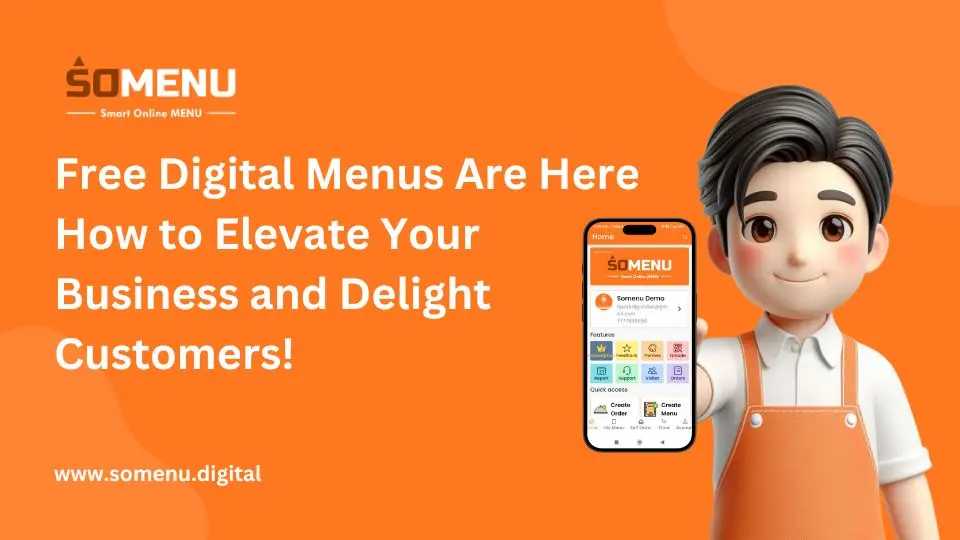
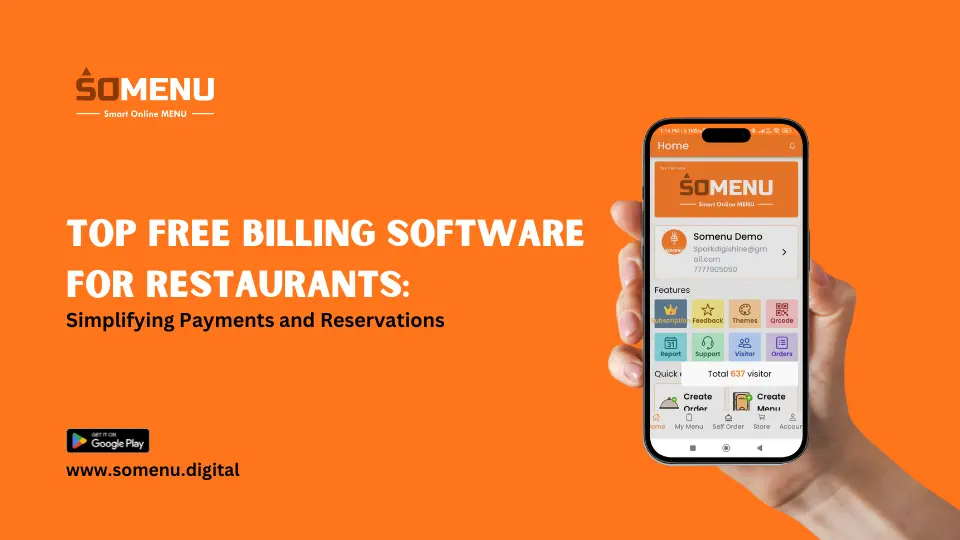
After logging in or registering, you will be taken to the Somenu dashboard. Click on the "My Menu" button to start creating your digital menu.
Step 5: Create a New Menu
Click on the "Create New Menu" button. You will be prompted to enter a name for your menu. Add the name and proceed.
Step 6: Add Categories and Items
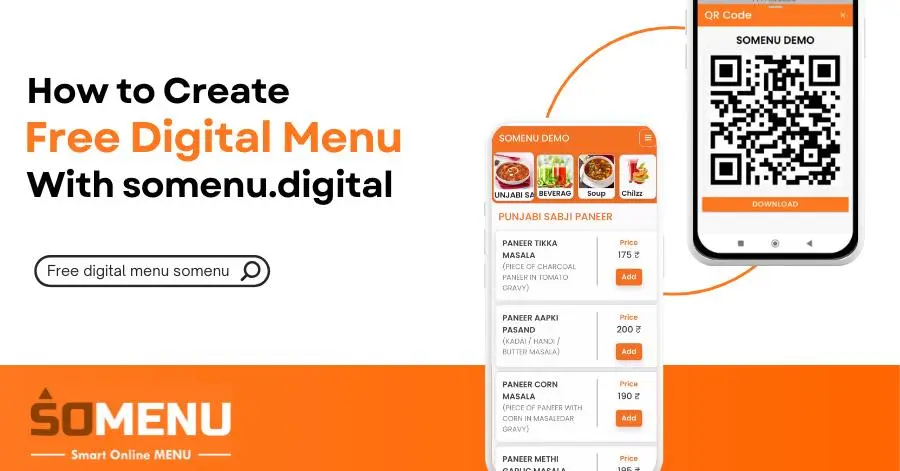
Add categories for your menu items. After creating a category, select it and click on "Add New Items" to add details such as images, names, pricing options, and descriptions for each item.
Step 7: Preview Your Menu
Once all items are added, go to "My Menu" and use the "Preview" button to view the completed menu. This will allow you to see how it will appear to your customers.
Step 8: Publish Your Menu
After previewing, your digital menu is ready to be shared with your customers. Somenu will provide a QR code that can be printed or displayed for customers to scan.
Access and Download
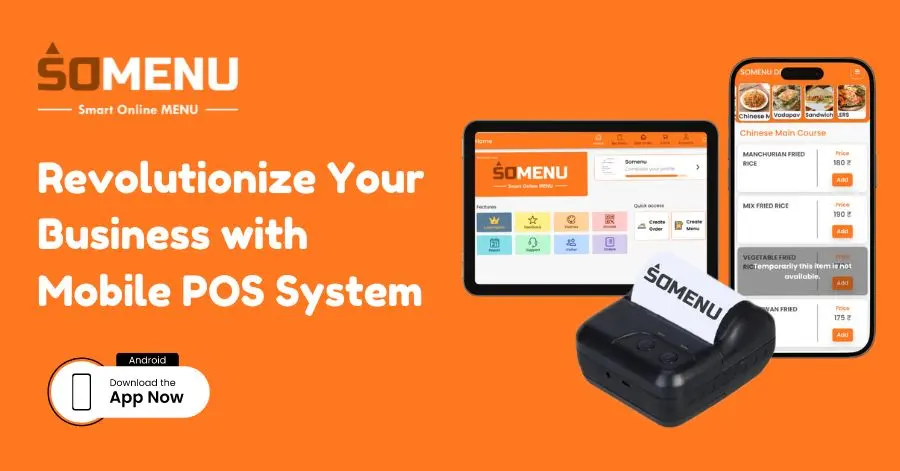
Download the App
For convenience, download the Somenu app from the Google Play Store. Search for "Somenu | Free Digital Menu."
Web Access
You can also access your digital menu and manage it through the URL web.somenu.digital.
Conclusion
Creating a free digital menu with QR code using Somenu is a simple yet effective way to modernize your business. It enhances customer convenience, reduces costs, and supports real-time updates. Start using Somenu today and transform the way you present your menu to your customers.
For more information and to get started, visit the Somenu website or download the app from the Google Play Store.
FAQs
What is Somenu?
Somenu is an online platform that allows Food businesses to create free digital menus with QR codes, enhancing customer experience and operational efficiency.
Is creating a digital menu with Somenu really free?
Yes, creating a digital menu with Somenu is completely free.
Can I update my digital menu in real-time?
Yes, any changes made to your digital menu are instantly reflected, allowing for real-time updates.
How do customers access my digital menu?
Customers can access your digital menu by scanning the provided QR code with their smartphones.
Is there a mobile app for Somenu?
Yes, the Somenu app can be downloaded from the Google Play Store for easy access and management.
How can digital menus benefit my business?
Digital menus reduce costs, improve hygiene, allow for real-time updates, and enhance the overall customer experience.