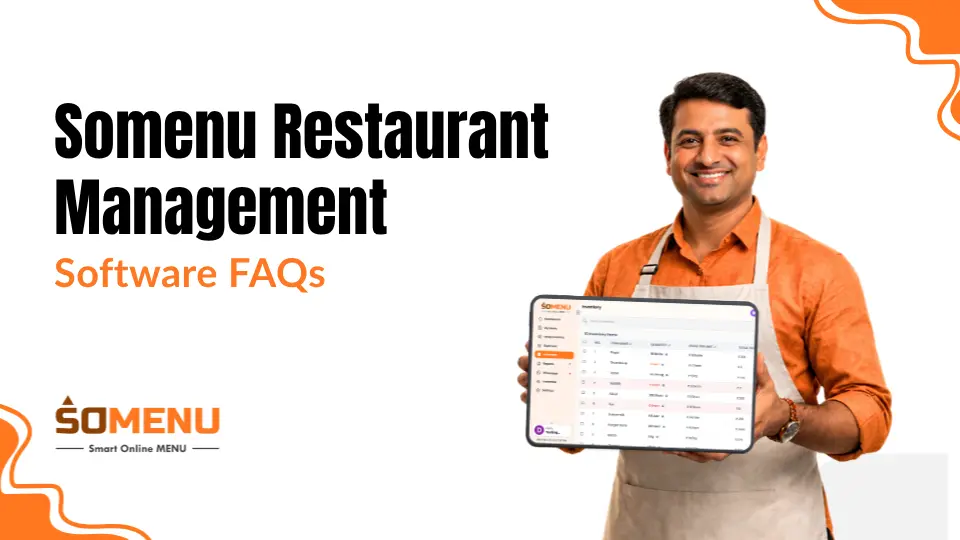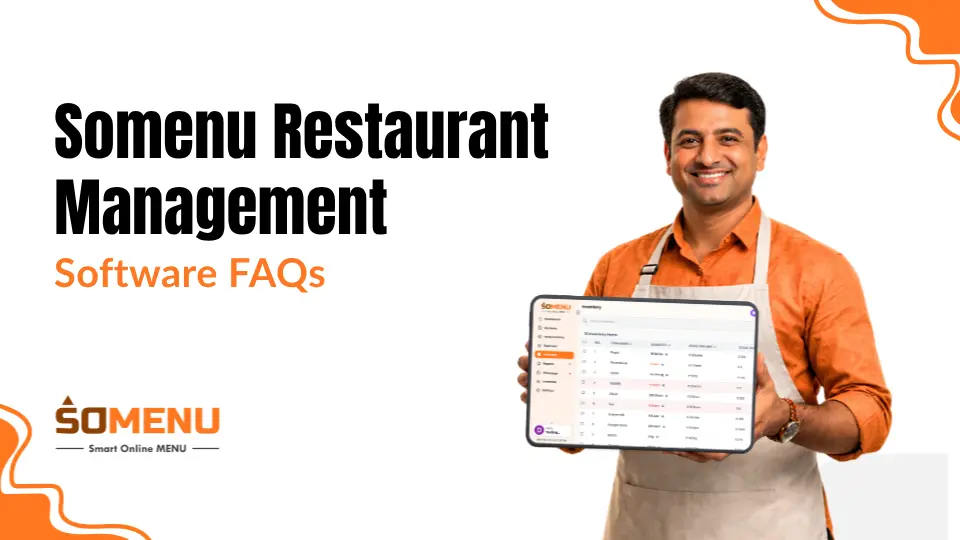

In today's fast-paced digital world, the way you present your menu can make a significant impact on your customers' dining experience. A stunning digital menu not only showcases your offerings in an attractive and interactive way but also allows for easy updates and real-time changes.
Whether you're running a restaurant, café, or bar, creating a digital menu is an essential step towards modernizing your business. In this blog, we'll walk you through the process of creating a stunning digital menu in easy steps.
What Is SOMENU?
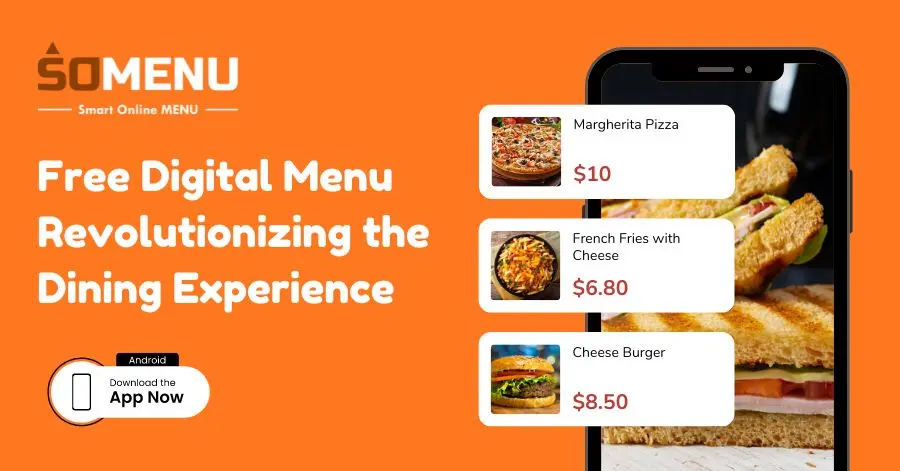
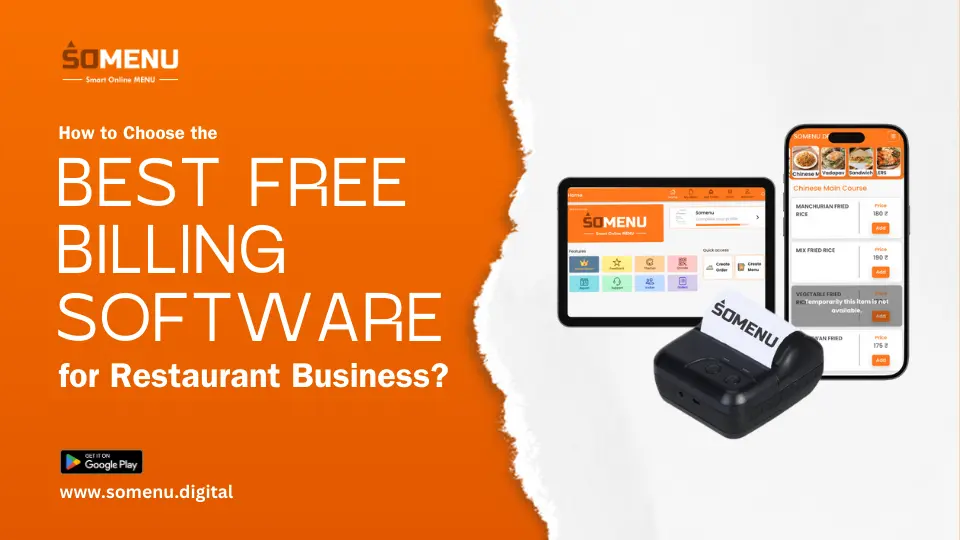
SOMENU is an innovative digital menu app designed to transform the dining experience by providing restaurants with a powerful tool to create and manage dynamic digital menus. This app caters to the needs of modern restaurants, cafes, and bars by offering a seamless way to present menus digitally, engage customers, and streamline operations.
Key Features of SoMenu:
- User-Friendly Interface:
SoMenu is designed with simplicity in mind, making it easy for restaurant owners and managers to create, edit, and update their menus without any technical expertise. The app’s intuitive interface allows for quick navigation and hassle-free menu management.
- Customizable Templates:
With a variety of customizable templates, SOMENU enables businesses to design their digital menus in a way that aligns with their branding. Users can personalize the menu’s appearance by selecting colors, fonts, and layouts that reflect the restaurant’s unique style and aesthetic.
- Real-Time Updates:
One of the standout features of SOMENU is the ability to make real-time updates to the menu. Whether it's adding new items, adjusting prices, or highlighting daily specials, changes can be made instantly and reflected across all customer touchpoints without the need for reprinting physical menus.
- Interactive Customer Experience:
Our digital menu enhances the dining experience by offering interactive features such as dish descriptions, high-quality images, and even videos. Customers can browse through the menu on their smartphones or tablets, access detailed information about each item, and make informed choices based on dietary preferences or ingredients.
- QR Code Integration:
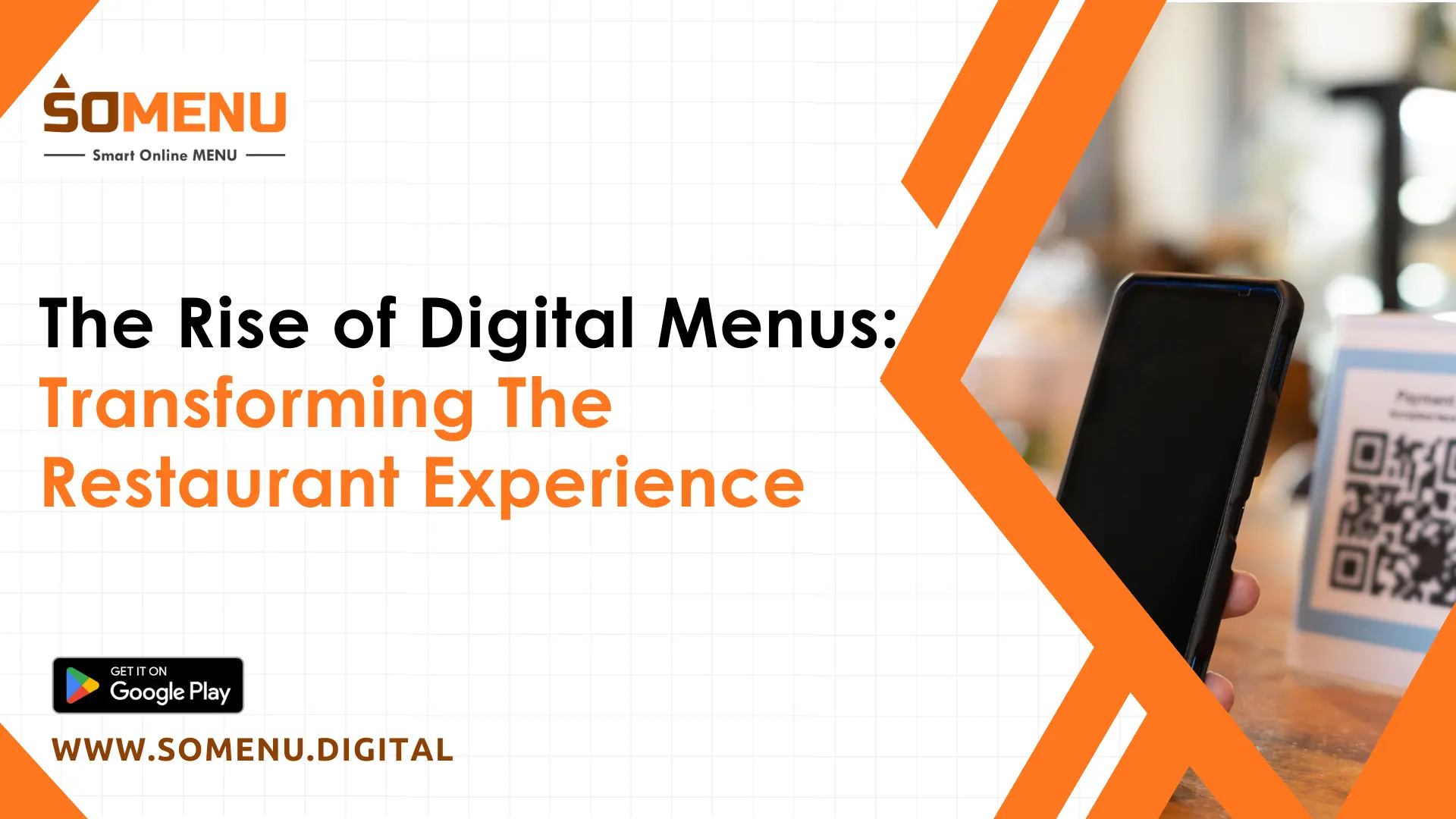
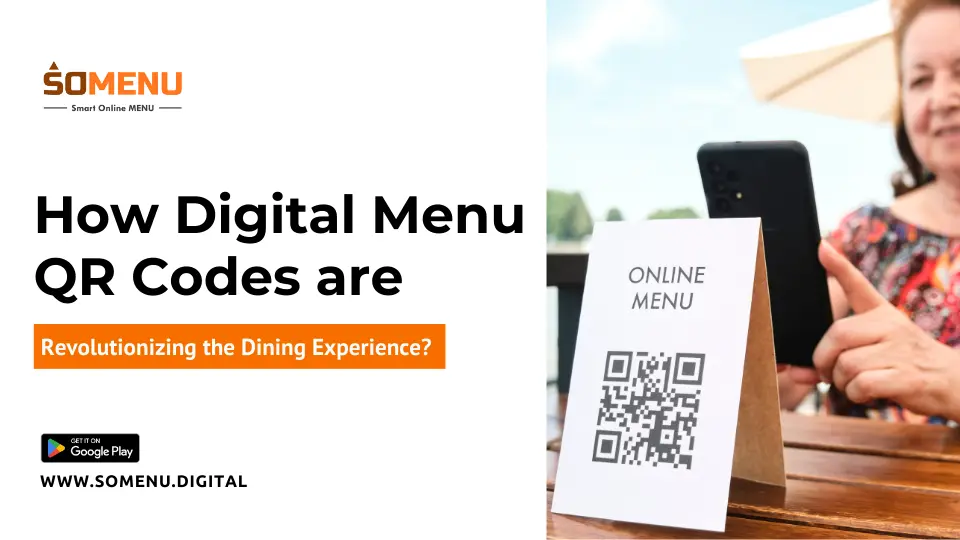
The app supports QR code integration, allowing restaurants to place QR codes on tables, flyers, or websites. Customers can simply scan the QR code with their smartphone to access the digital menu, reducing physical contact and enhancing convenience, especially in the context of health and safety.
- Multi-Language Support:
SOMENU is designed to cater to a global audience, offering multi-language support. This feature is particularly beneficial for restaurants serving diverse clientele, ensuring that customers can access the menu in their preferred language.
- Analytics and Insights:
Our online menu provides valuable analytics and insights into customer behavior, such as which menu items are most popular, peak ordering times, and customer preferences. This data helps restaurant owners make informed decisions about menu offerings, pricing, and marketing strategies.
- Seamless Integration:
The app can be integrated with a restaurant’s existing point-of-sale (POS) systems and other digital tools, creating a cohesive and efficient operational flow. This integration reduces manual work and ensures that the menu is always synchronized with the restaurant’s operations.
- Contactless Payment Options:
SOMENU supports contactless payment options, allowing customers to order and pay directly through the app. This feature enhances the overall customer experience and offers a smooth and efficient order process.
- Environmentally Friendly:
By eliminating the need for printed menus, SOMENU contributes to environmental sustainability. Digital menus reduce paper waste and allow restaurants to maintain an eco-friendly approach while still offering a modern dining experience.
Why Choose SOMENU?
SOMENU is more than just a digital menu app; it’s a comprehensive solution for modern restaurants looking to enhance customer engagement, improve operational efficiency, and stay ahead in a competitive market. By adopting SOMENU, restaurants can offer a contemporary and interactive dining experience that meets the expectations of today’s tech-savvy consumers.
Whether you're a small café or a large restaurant chain, it provides the tools you need to create stunning digital menus that not only showcase your offerings but also elevate the overall dining experience. With its easy-to-use features and powerful capabilities, SOMENU is the ideal choice for any restaurant looking to innovate and thrive in the digital age.
In addition, Once your digital menu is live, it’s time to share it with your customers. Promote it across all customer touchpoints, including your website, social media channels, and in-store displays. Consider using QR codes to make it easy for customers to access the menu directly from their smartphones.
- Other Tips for Sharing and Promoting:
- Generate QR codes that link directly to your digital menu and place them on tables, flyers, and your website.
- Share your digital menu on social media platforms to reach a wider audience.
- Encourage customers to explore your menu online by highlighting special deals or new items.
How To Create a Stunning Digital Menu With SOMENU!?
Here are simple and easy steps, which you can follow to create your stunning digital menu.
- Search the free digital menu on Google and click on somenu.digital.
- Click on “START FOR WEB”.
- If you don’t have an account then Sign Up and fill up the necessary details and create a new account.
- From your menu dashboard click on “Create new menu”.
- You can give a name for your menu.
- After giving a name to your menu, you have to click on “Active now”.
- You’ll find an edit button where you can edit your restaurant menu as per your choice.
- You can find a new category on your menu by clicking on that button.
- Select category name image and other required information and click on “Add new items”.
- Fill up the information like image, item name and details.
- Once you fill up all this necessary information click on the “save and next” button.
- You’ll see all your saved items in your selected category. You can easily edit or delete them anytime as per your choice.
- Follow the same process to add new categories or items.
- Once you add all the items in your menu, Go to My menu option and click on PREVIEW option.
- Tadaa! Your menu is ready.
If you have any confusion click here to watch a detailed video. To get a free demo contact us today.
Conclusion
Creating a stunning digital menu doesn’t have to be a daunting task. By following these easy steps, you can design a menu that not only enhances the customer experience but also streamlines your restaurant’s operations.
A well-crafted digital menu is a powerful tool for showcasing your offerings, increasing engagement, and driving sales. Whether you’re a small café or a large restaurant, embracing the digital menu revolution is a smart and forward-thinking move that will set your business apart in the competitive dining industry.